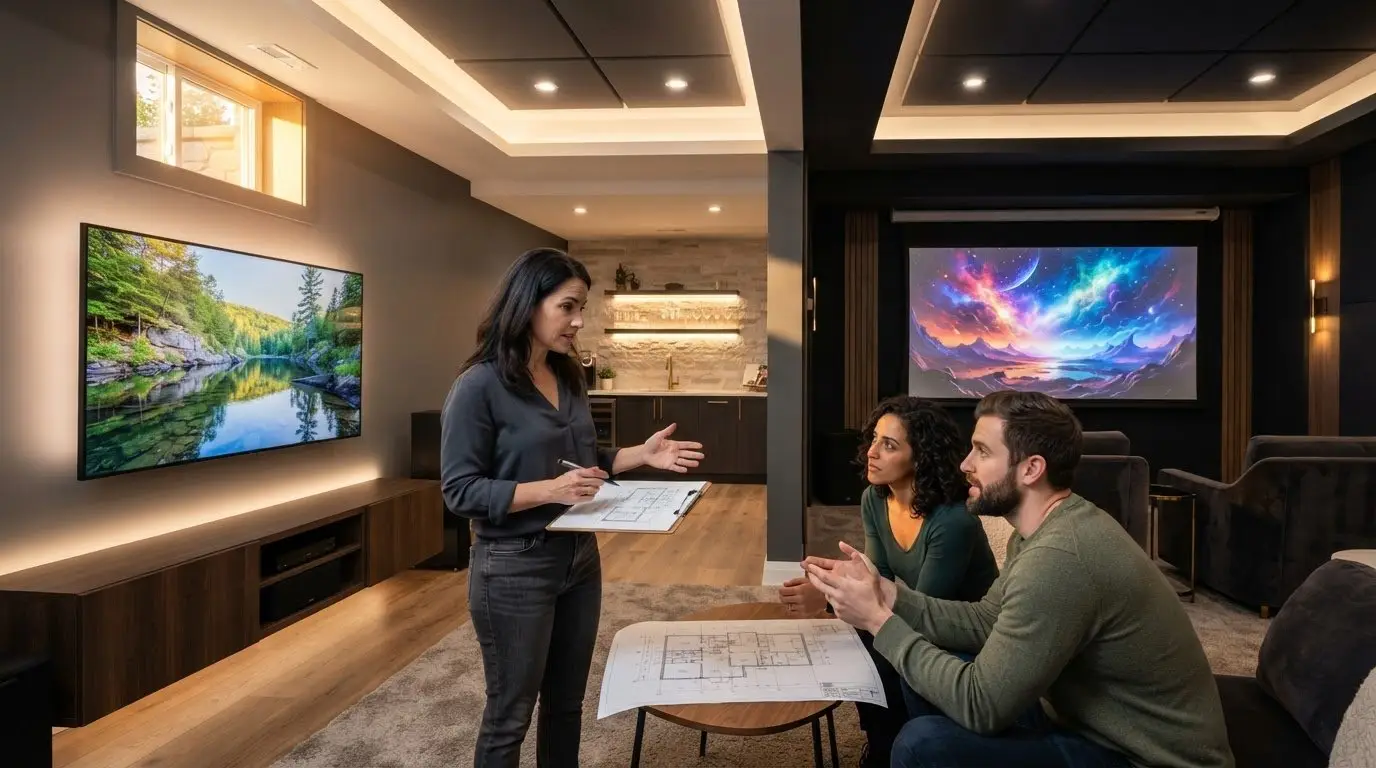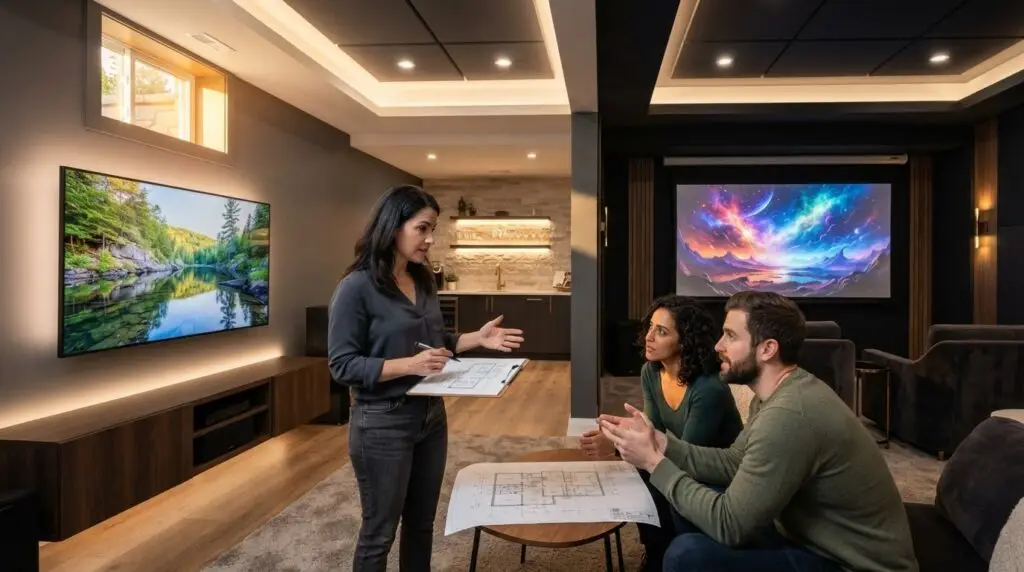
The biggest screen isn’t always the best fit for a basement. Choosing a projector screen vs large TV for basement use depends on more than image size: room light, ceiling height, seating, and how you use the space all matter.
It’s understandable to focus on the display first, especially when you want movie-night impact without committing to the wrong setup. A TV can suit a brighter, everyday room, while a projector may work well when you want a larger image and can plan the room around it. Choices made late can mean extra wiring, layout changes, or delays during a basement renovation. This guide compares picture performance, room conditions, everyday convenience, and the main cost drivers. It also explains what to settle in the project scope so the display, seating, and lighting work together.
Key Takeaways
- For the projector screen vs large TV for basement decision, weigh everyday viewing habits alongside how much room light you can manage.
- Map the room’s dimensions, ceiling features, viewing distance, and seating before settling on a display size or placement.
- Build the budget around the full setup, including supporting work, lighting, and integration needs, not just the screen or projector.
- Coordinate display and room decisions early, and get a clear scope and communication plan to help manage changes and delays.
Projector Screen vs. Large TV for a Basement: The Real Trade-Offs
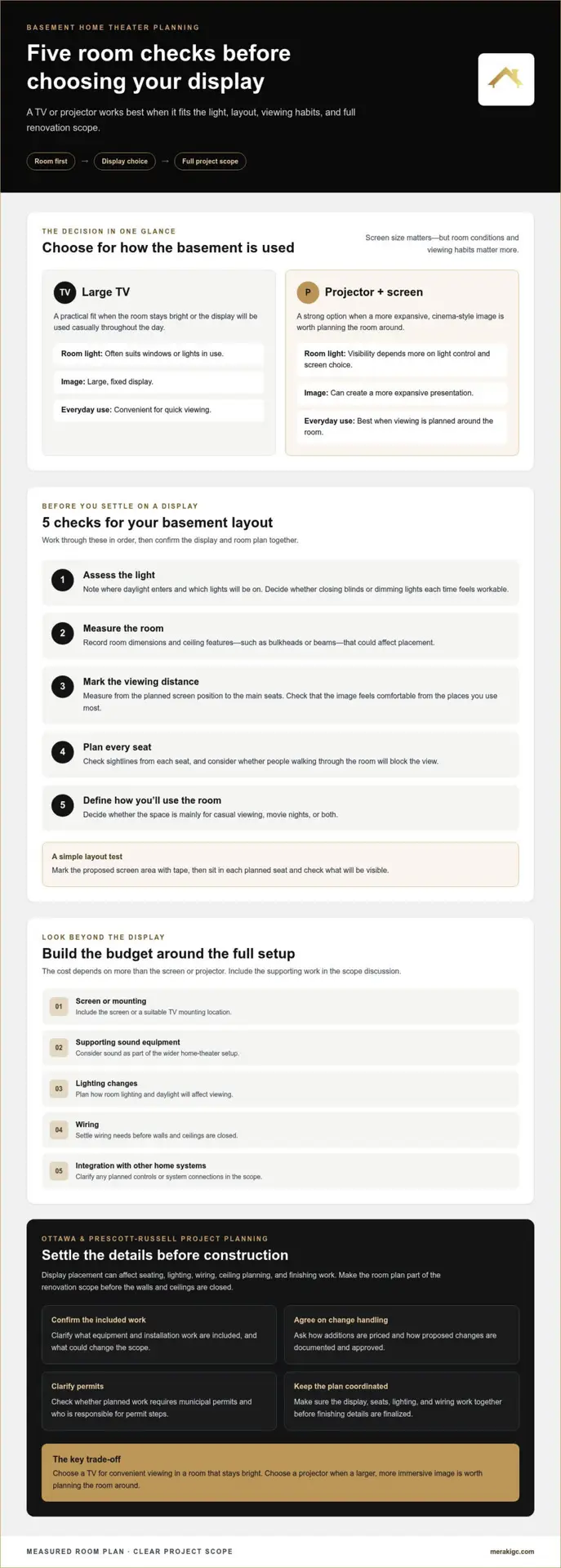
Room conditions and viewing habits matter more than screen size alone. A projector can create a more expansive image, but the result depends on the room, projector placement, and screen. A large TV is usually simpler for everyday viewing, especially if you don’t want to manage the room’s lighting.
Choose a TV for convenient viewing in a room that stays bright. Choose a projector when a larger, more immersive image is worth planning the room around.
That’s the central trade-off in the projector screen vs large TV for basement decision:
| Factor | Large TV | Projector and screen |
|---|---|---|
| Room light | Often a practical fit when windows or lights are in use. | Image visibility depends more on controlling light and selecting a suitable screen. |
| Image scale | Delivers a large, fixed display. | Can create a more expansive, cinema-style presentation. |
| Everyday use | Convenient for casual viewing throughout the day. | Best suited to owners who value a larger image and plan viewing around the room. |
Which display suits your basement’s light and viewing habits?
Start with the light you’ll actually have. A basement with windows, open blinds, or lights on during viewing may favour a TV. A projector is more sensitive to ambient light, meaning light in the room that isn’t coming from the screen. Dimming lights or managing daylight can help, but the right setup depends on the space and how you plan to use it.
Think about your routine, too. If the screen will be on for news, shows, and quick family viewing, a TV may feel simpler. If you mainly plan movie nights and want the image to take centre stage, a projector may better support that experience. Home cinema setups can combine a display with sound and seating to shape how the room feels.
Room layout affects both options. Consider sightlines, seating position, and where the display can go before finalizing the design. A practical test is to mark the proposed screen area with tape, then sit in each planned seat and check what will be visible. Planning these choices alongside basement renovation and home-theater services helps keep the room and viewing setup aligned.
Choose for Your Basement: Layout, Costs, and Risks to Consider
Before choosing a display, map how the room will work. This sequence keeps the decision grounded in your basement, not just the screen size.
- Assess light. Note where daylight enters and which lights you’ll use while watching. Consider whether you want to close blinds or dim lights every time you watch.
- Measure the room. Record its dimensions and ceiling features that could affect display placement, such as bulkheads or beams.
- Mark viewing distance. Measure from the planned screen position to the main seats. Check whether the image feels comfortable from the spots you’ll use most.
- Plan seating. Consider sightlines from each seat, not only the centre of the room. Check that people walking through the space won’t regularly block the view.
- Define intended use. Decide whether the space is mainly for casual viewing, movie nights, or both.
Cost depends on more than the display. The full scope may include the screen or mounting, supporting sound equipment, changes to lighting, wiring, and integration with other home systems. A projector setup may also affect ceiling planning and where equipment is placed; a TV needs a suitable mounting location and clear sightlines. These choices can influence finishing work, so settle them before walls and ceilings are closed.
For a major basement project in Ottawa or Prescott-Russell, include the full room plan in the budget discussion. Clarify what equipment and installation work are included, what could change the scope, how additions are priced, and how proposed changes are approved. Also establish whether any planned work requires municipal permits and who is responsible for permit steps. Dolby’s Home Theater Setup Guide offers reference points for thinking about the wider setup, including sound.
What this means for you
Match priorities to the room rather than forcing one display choice onto every basement. A seating plan that blocks the screen, ceiling features that limit placement, or lights that cause glare can lead to changes after work begins. Before construction, make sure the plan answers: Where will the display and seats go? What wiring or lighting work is included? Are permit responsibilities clear? How will changes be documented, priced, and approved?
For the projector screen vs large TV for basement decision, coordinated lighting and entertainment controls may also matter. Meraki General Contracting’s home automation and home-theater services can be planned alongside the room, helping align those needs before construction details are finalized.
Plan the Display as Part of Your Basement Home Theater
A display choice can affect more than one wall. Its placement may shape seating, lighting, wiring, and other room decisions, so settle the overall plan before construction details are finalized. Otherwise, a ceiling feature could interfere with the intended placement, or lighting and seating could make the finished viewing setup less comfortable than expected.
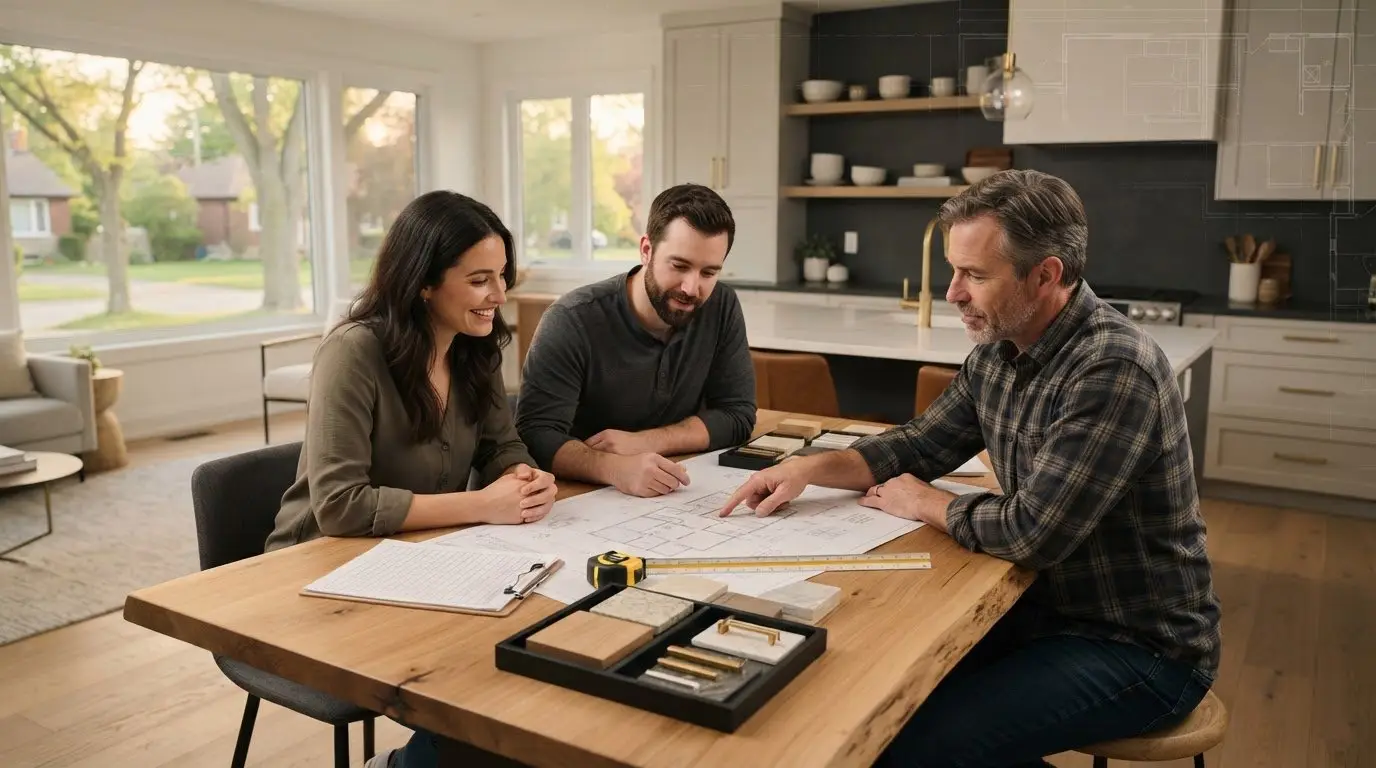
For homeowners in Ottawa and Prescott-Russell, use early planning to make the renovation scope clear before work begins. The written plan should show what’s included, how the display and room choices fit together, and how proposed changes will be recorded. Clear communication helps you understand the effect of a change before it becomes a delay or an unexpected cost.
Turn the comparison into a clear project plan
Bring your priorities into a custom home-theater design discussion. Useful decisions to share include:
- Whether you’re leaning toward a TV or a projector, and why.
- How you expect to use the room, including the types of viewing you enjoy.
- Where you picture the main seating and what lighting you want during viewing.
- Any ceiling features, room constraints, or other planned work that could affect placement.
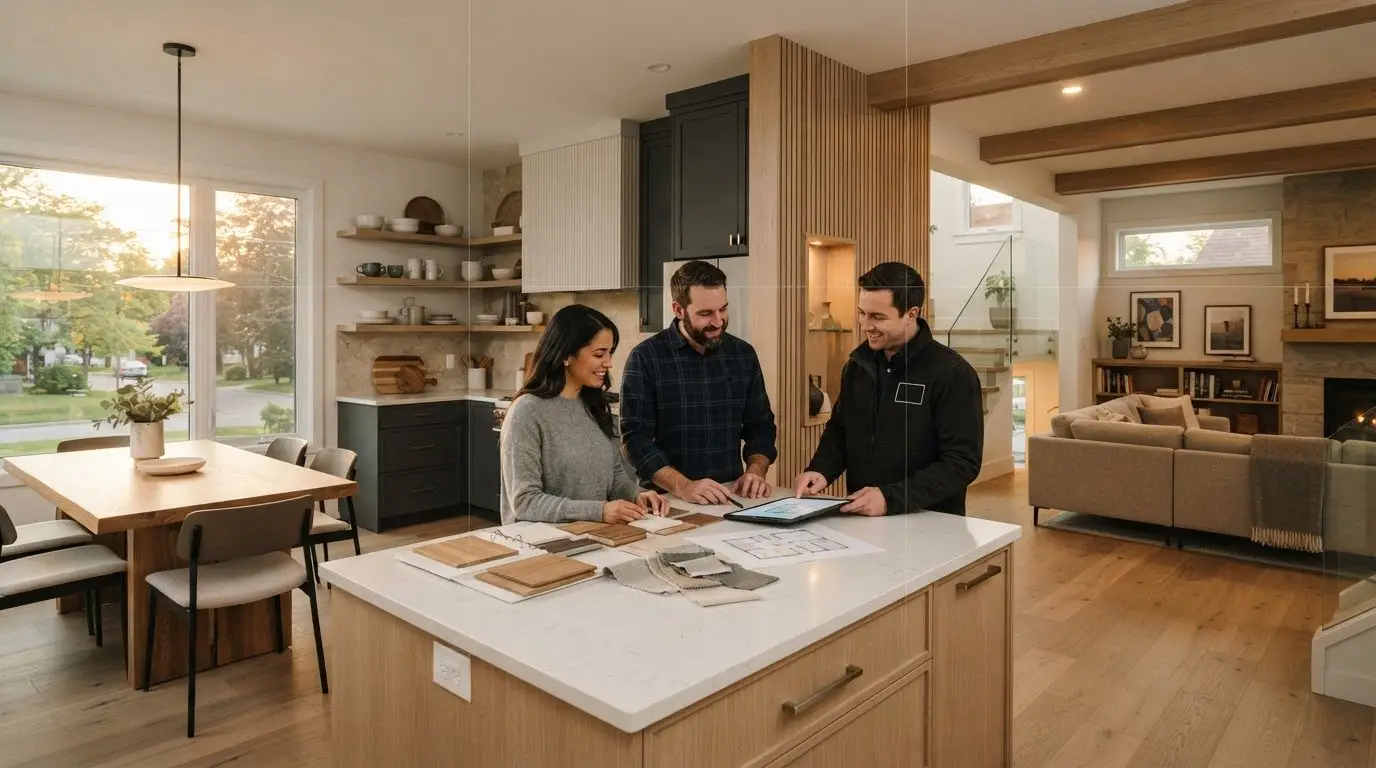
Make sure the project scope reflects these choices, identifies supporting work, and explains how changes will be communicated. Meraki GC’s design-build approach uses structured scoping and proactive project communication to make decisions and progress easier to follow. You can see how Meraki GC’s design-build process organizes project planning.
You don’t need every equipment decision finalized before the conversation starts. Meraki GC provides custom home-theater design and build as part of its renovation work, so you can develop a basement theater plan around your room and priorities. Explore basement and home-theater services when you’re ready to consider the next step.
Make Your Next Display Decision With Confidence
Before buying equipment, write down what you want the basement to do for you. A short list of priorities can guide the next design conversation and keep the projector screen vs large TV for basement decision connected to how you’ll actually use the space. You don’t need every detail settled first. Start with the room’s constraints, your viewing habits, and the experience you hope to create.
For homeowners planning a larger renovation, bringing the display decision into the project early helps keep room choices aligned and makes scope changes easier to discuss before work moves ahead. Meraki GC’s custom home-theater design and build service supports that planning with a process centred on clear scope and communication.
Explore options for a custom basement theater and take the next step with a plan shaped around your home and priorities.
Frequently Asked Questions
Is a projector better than a large TV for a basement?
Neither option is better for every basement. A projector may suit a dedicated movie room where a cinema-style image is a priority, while a TV may be more practical if different family members use the room for varied activities. For the projector screen vs large TV for basement choice, consider who will watch, what they’ll watch, and how much effort you want to put into setting up the room for viewing.
Can you use a projector in a basement with windows?
Yes, a projector can be used in a basement with windows, but daylight can affect the viewing experience. In an Ottawa or Prescott-Russell home, consider how the room looks during the hours you’re most likely to watch. Window coverings may help manage daylight, while a TV may be more convenient if you prefer to leave the blinds open or watch often during the day.
Do you need a projector screen, or can you project onto a wall?
You can project onto a wall, but the wall’s colour and texture may affect how the image looks. A dedicated screen provides a surface selected for projection, while a wall is an option if you’re comfortable with the existing finish and the image it produces. Before finishing the wall, decide whether it will serve as the projection surface or whether you plan to install a screen.
What should I ask a contractor before choosing a basement home-theater display?
A useful project discussion should clarify how the proposed display location relates to planned seating, windows, lighting, and ceiling features. The scope should also state what electrical, wiring, mounting, or finish work is included, what may fall outside it, and how changes will be documented and approved. These details help Ottawa-area homeowners compare the full room plan, not only the equipment they expect to use.

Article by
~ Jason Bourguignon
Jason has been passionate about building homes from a young age, starting his first successful construction company at age 21. With experience across nearly every sector of the industry, he brings a hands-on understanding of the entire building process. For over two decades, he has managed hundreds of custom home builds, additions, and renovations with some single projects exceeding $2.5M. Jason does not just focus on construction, but also helps homeowners create spaces they truly call home.
Disclaimer
The information in this article is provided for general educational purposes only and is based on typical renovation scenarios in Ontario. Every project is unique, and actual costs, timelines, and requirements may vary. This content does not constitute professional, legal, or engineering advice. We recommend consulting with a qualified contractor or specialist for your specific project.